A 13-Week Cash Flow Forecast in Xero, Step by Step
Short answer: a 13-week cash flow forecast is a week-by-week table of the money you expect in and out of your bank account for the next three months. Start from your reconciled bank balance, add what customers will pay you, take off salaries, SARS, suppliers and other payments, and update it every week. Xero does much of the work for you.
In our first Business tips article we covered 10 ways to improve cash flow. Tip 8 was to look 13 weeks ahead. This article shows you how to build that forecast, step by step.
Why 13 weeks?
Thirteen weeks is one quarter. It is long enough to show every salary run, every SARS payment and the slow months, and short enough to forecast week by week with real numbers. A gap you see eight weeks out is a planning job. A gap you find on payday is a crisis.
The template
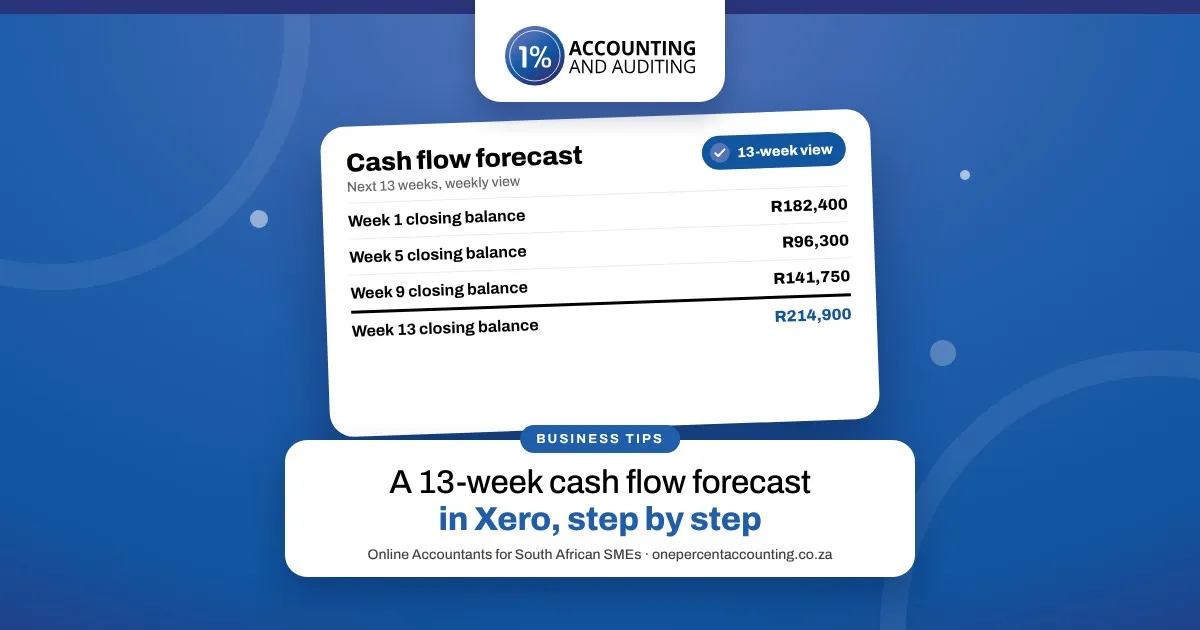
Each column is one week. Each week's closing balance becomes the next week's opening balance.
Week 1 | Week 2 | Week 3 | … to week 13 | |
|---|---|---|---|---|
Opening bank balance | ||||
Customer payments | ||||
Other money in (loans, owner funding) | ||||
Salaries | ||||
PAYE, UIF and SDL (EMP201) | ||||
VAT (VAT201) | ||||
Rent and debit orders | ||||
Suppliers | ||||
Loan repayments | ||||
Closing bank balance |
Build it step by step
Reconcile your bank account first. The forecast starts from today's real balance, so every bank line in Xero must be matched and coded.
List the money coming in. Start with your unpaid invoices: Xero's aged receivables report shows who owes you and when it is due. Put each amount in the week you really expect it, not the due date. Add regular customers you have not invoiced yet and an estimate of cash sales.
List the money going out. Take your unpaid bills from the aged payables report, then add salaries on payday, rent, debit orders, loan repayments and subscriptions.
Add the SARS dates. PAYE, UIF and SDL go to SARS on the EMP201 by the 7th of the following month. A VAT201 filed on eFiling is due by the last business day of the month after the VAT period. If you pay provisional tax, put in the payment at the end of February or August.
Add the once-a-year items. Annual insurance, December bonuses, the CIPC annual return and any equipment you plan to buy.
Work out each week's closing balance. Opening balance, plus money in, minus money out. That closing balance is next week's opening balance.
Find the lowest week. That is the week to plan for. Chase the invoices due before it, ask suppliers for longer terms, or arrange funding early.
Update it every week. Drop the week that has passed, add a new week 13, and compare what actually happened with what you forecast. After a few weeks your estimates get much closer.
Let Xero do the heavy lifting
Xero's cash flow tools pull in your invoices and bills, so most of the forecast fills itself:
Short-term cash flow shows the next month in a daily or weekly view, with invoices due, bills to pay and your projected bank balance.
The Analytics cash flow manager shows your expected cash flow for up to 180 days. Choose 90 days for a 13-week view.
One-off amounts. Add upcoming money in or out, such as a large equipment purchase or a customer you expect to pay late, to see how it changes your balance.
Expected payment dates. Add the date you expect an overdue invoice to be paid, so the forecast uses your best estimate rather than the original due date.
The forecast is only as good as the books behind it. When invoices, bills and bank lines are up to date in Xero, the numbers you plan with are real.
Frequently asked questions
What is a 13-week cash flow forecast?
A week-by-week table of the money you expect in and out of your business bank account for the next three months, updated every week.
Why use 13 weeks rather than 12 months?
Thirteen weeks covers a full quarter of salaries, SARS payments and supplier runs, while staying short enough to forecast each week with real invoices and bills.
How often should I update my cash flow forecast?
Every week, on the same day. Drop the week that has passed, add a new week 13 and compare the actual figures with what you forecast.
Can Xero do a cash flow forecast?
Yes. Short-term cash flow shows the next month, and the Analytics cash flow manager projects your cash flow for up to 180 days, with room to add one-off amounts.
What should I do if the forecast shows a shortfall?
Act early: follow up invoices due before that week, agree longer terms with suppliers, move non-urgent spending, or arrange short-term funding before you need it.
Related guides
Forecast from numbers you can trust
Our team keeps your bookkeeping up to date in Xero, so your invoices, bills and bank balance are current when you plan. Bookkeeping, VAT, payroll and tax are all in one monthly fee: 1% of your business turnover, from R79 a month excluding VAT. See Accounting & Bookkeeping or book a free meeting.
Sources: Xero: cash flow forecasting; SARS: Obligations of a VAT vendor.
This article is general information, current at November 2026. It is not advice for your specific situation.